Features
How it helps
Choose outfits with confidence by seeing exactly how each garment looks on you.
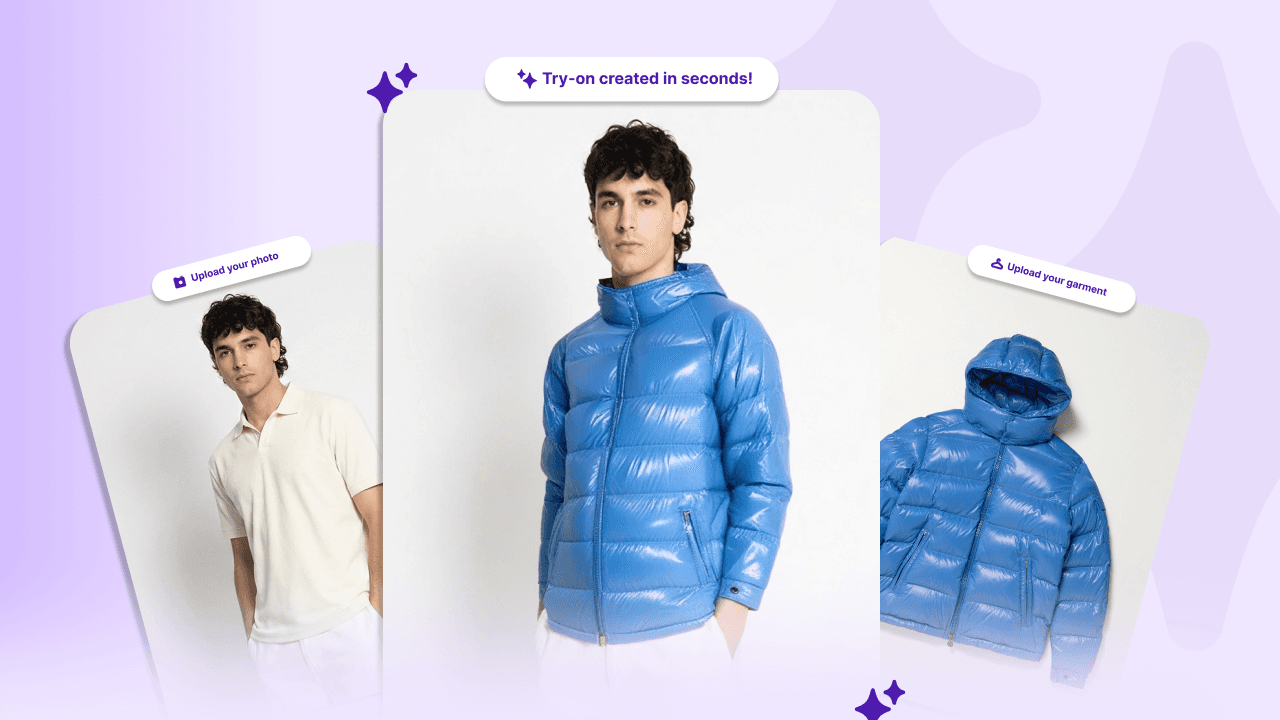
Try Before You Buy
Upload your photo and clothes and watch magic mirror create try-ons in seconds.
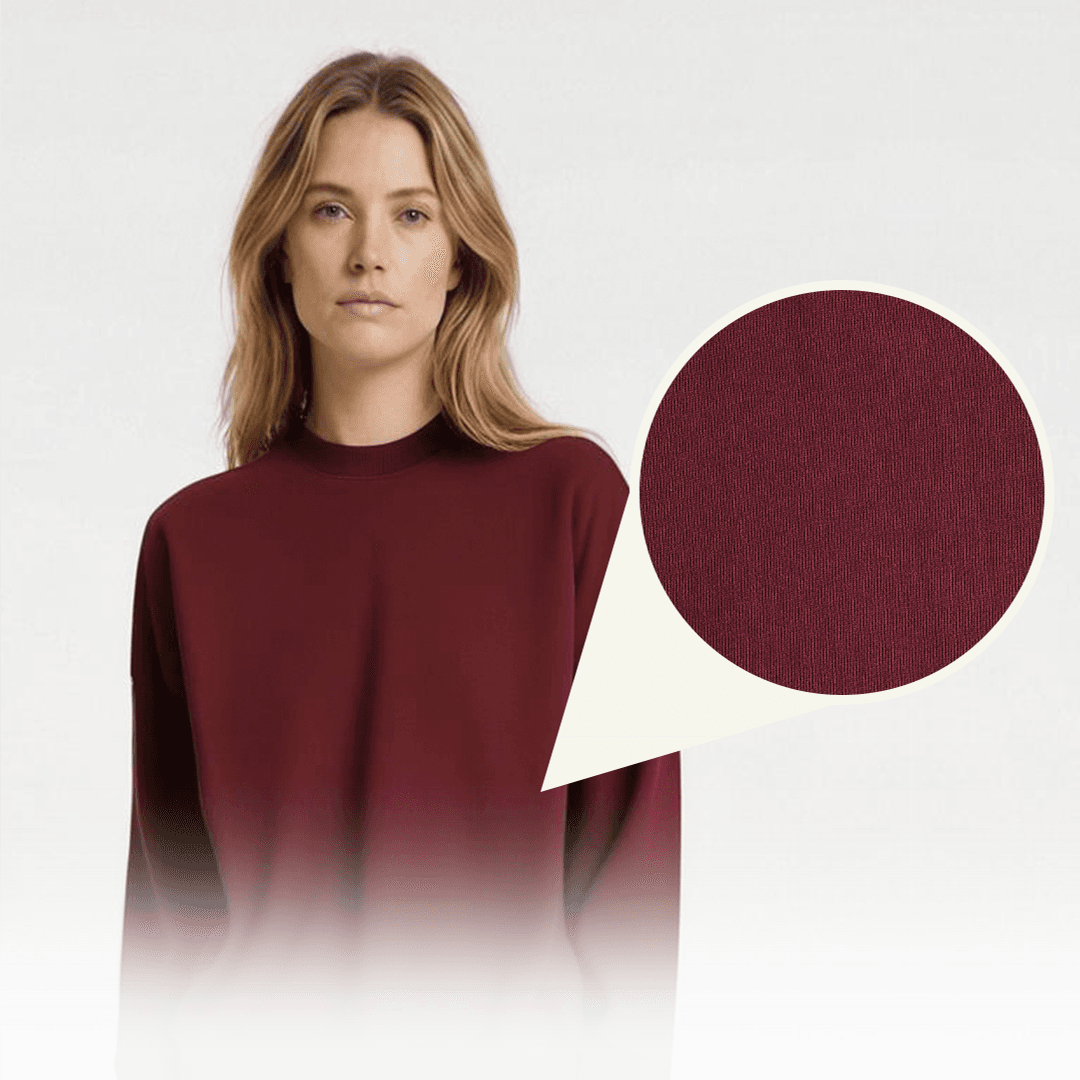
See Every Detail
Colors, fabrics, patterns, drapes, and fit are rendered with real-life precision.
Visualize Outfits Together
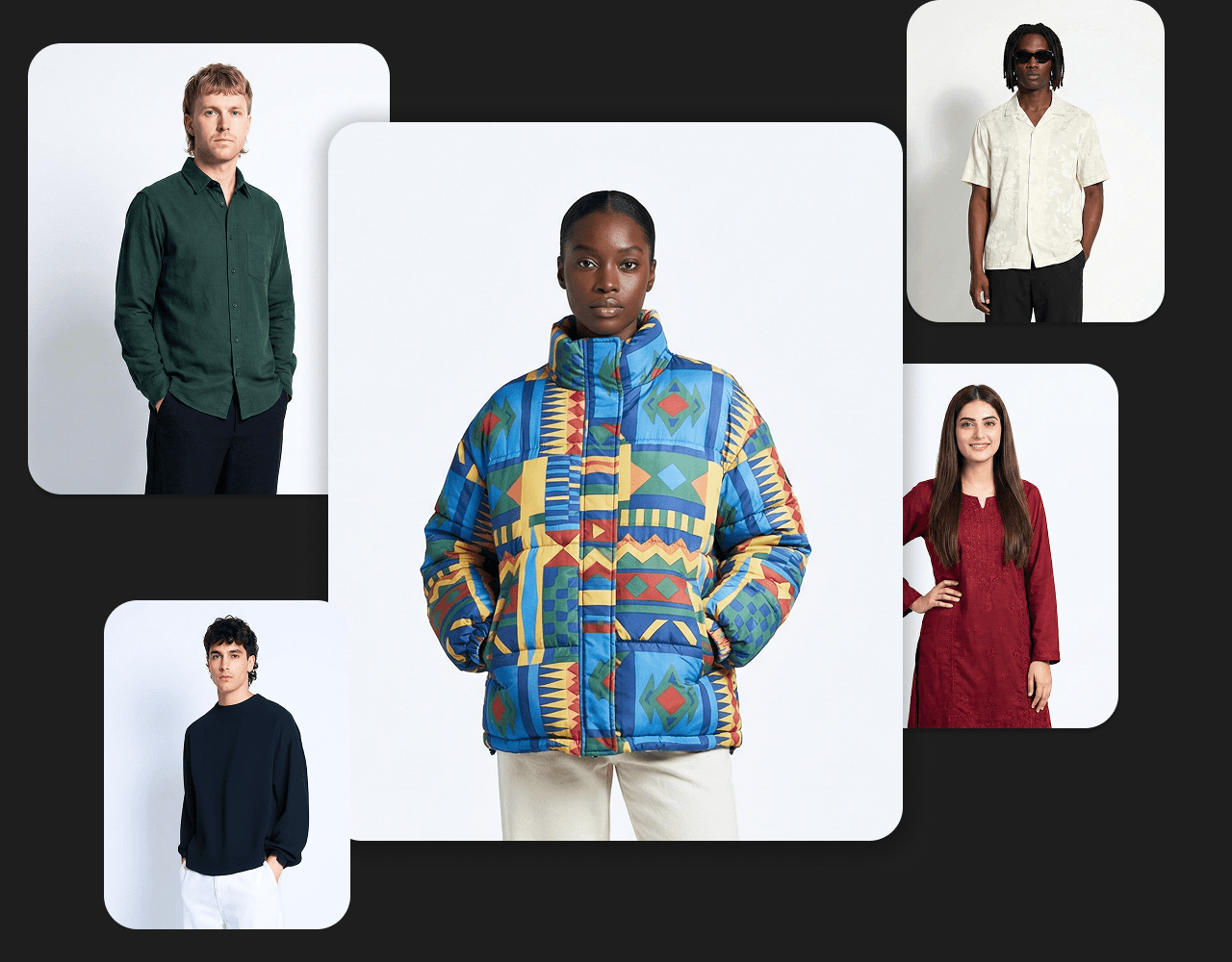
Organize your try-on images into collections for trips, events, workwear, or daily inspiration.

Confidence in Every Choice
Make smarter buying decisions by seeing how each garment looks on you.
Guide
How it works
Just upload your photo, add garments, and let Magic Mirror do the rest.
Step 1
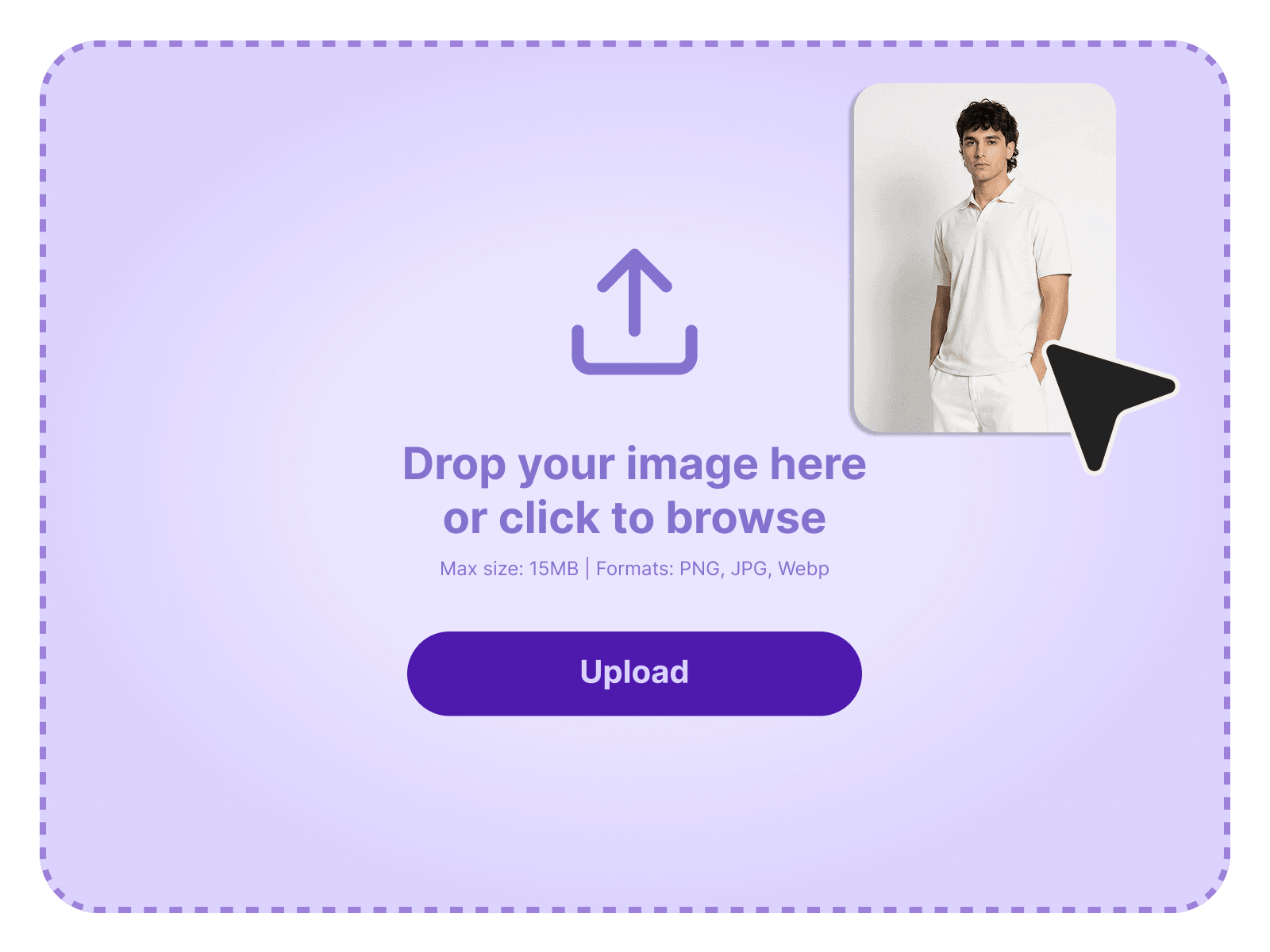
Upload Your Photo
Upload a clear, front-facing picture to generate realistic try-ons instantly.
Step 2
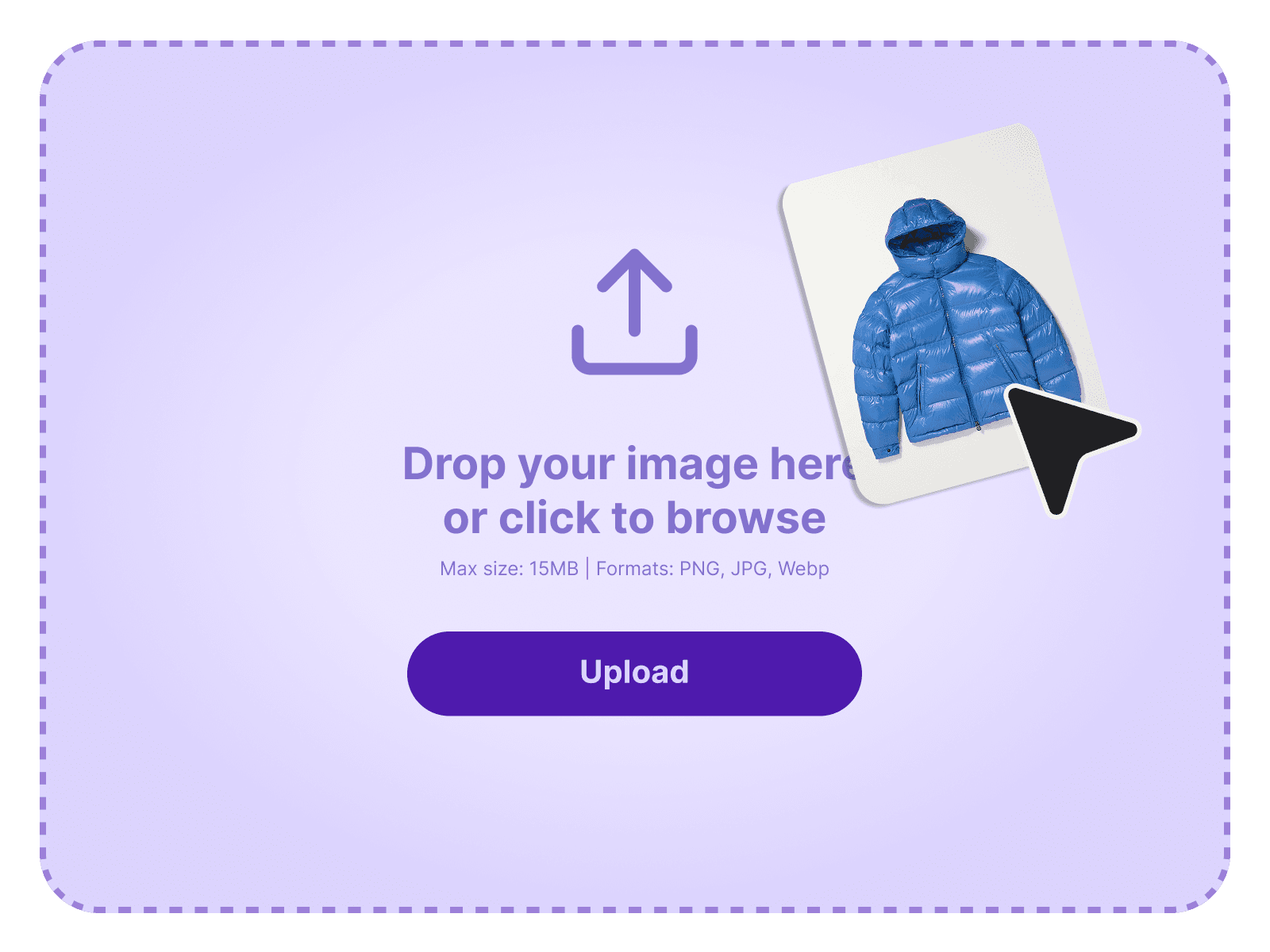
Upload Garment Image
Upload photos of any clothing item you want to try on.
Step 3
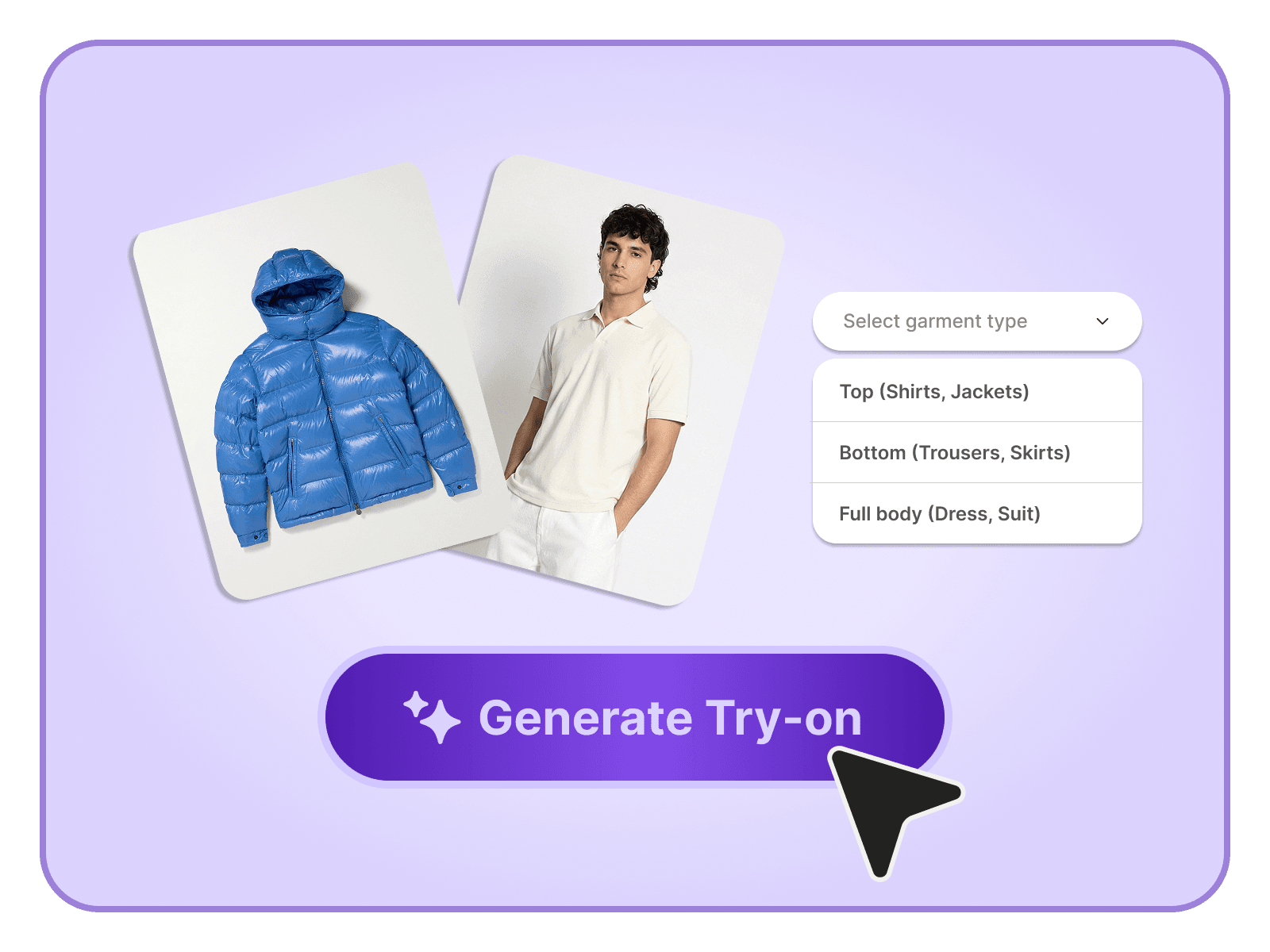
Generate Your Try-ons
See how the garment looks on you in seconds with realistic, high-quality virtual try-ons.
Step 4
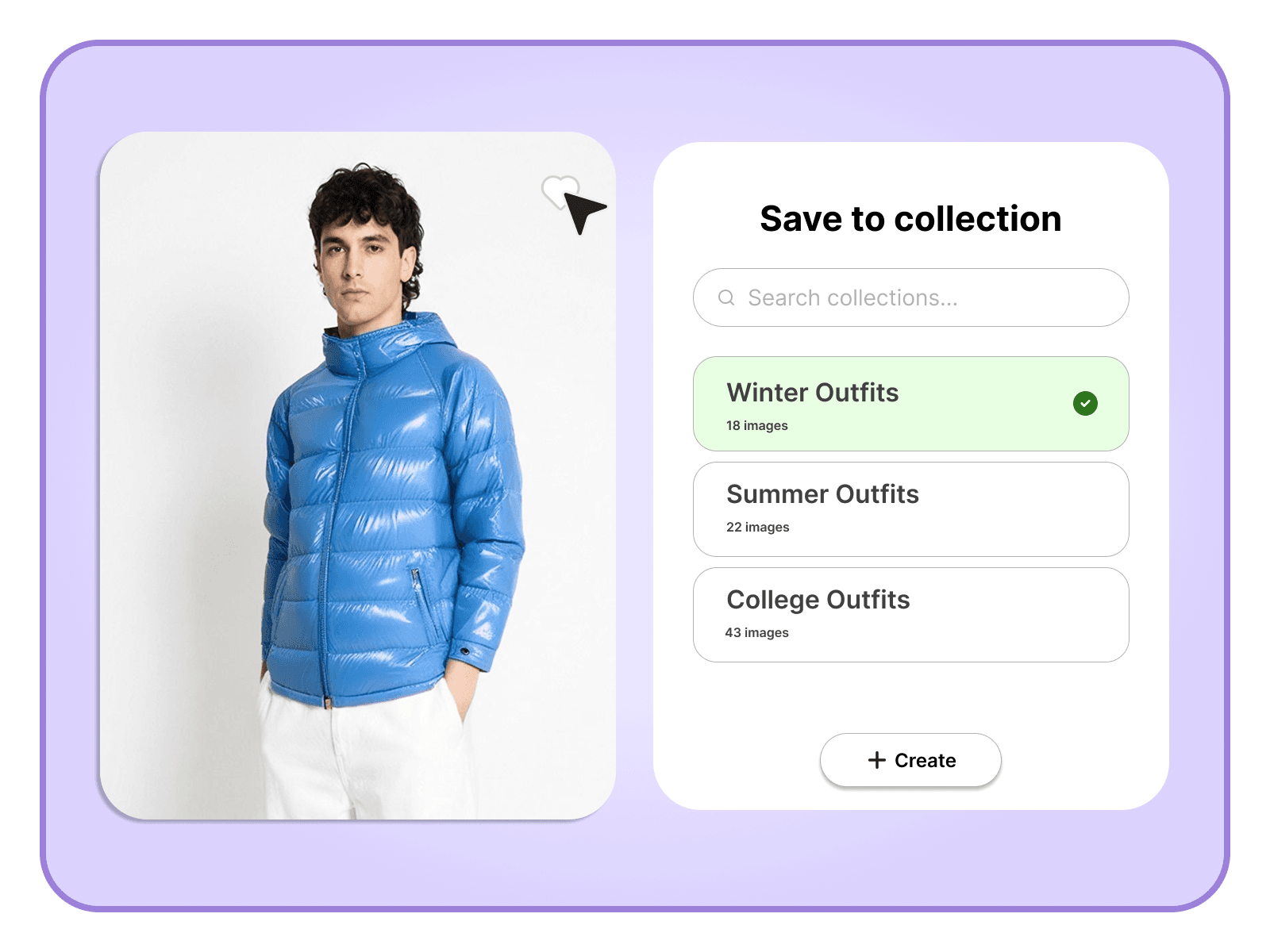
Save to a Collection
Save your try-ons into collections to keep your looks organized.
Step 1
Upload Your Photo
Upload a clear, front-facing picture to generate realistic try-ons instantly.
Step 2
Upload Garment Image
Upload photos of any clothing item you want to try on.
Step 3
Generate Your Try-ons
See how the garment looks on you in seconds with realistic, high-quality virtual try-ons.
Step 4
Save to a Collection
Save your try-ons into collections to keep your looks organized.
Pricing
Transparent Pricing
Start free and explore everything Magic Mirror can do. Upgrade whenever you are ready.
- 5 try-ons per month
- Maximum 5 user image uploads
- Standard quality renders
- Email support
FAQs
Frequently Asked Questions
Got questions? We have collected the most helpful answers to guide you through using Magic Mirror with ease.
Can't find what you're looking for? Contact our customer support team